Guides
 Complete guide
 Apple Maps
 Apple Maps
iPhone and CarPlay Guides
Clear, step-by-step guides to using your iPhone in the car: CarPlay, maps and directions, music, calls and parking. Written by the team behind Car & Play.
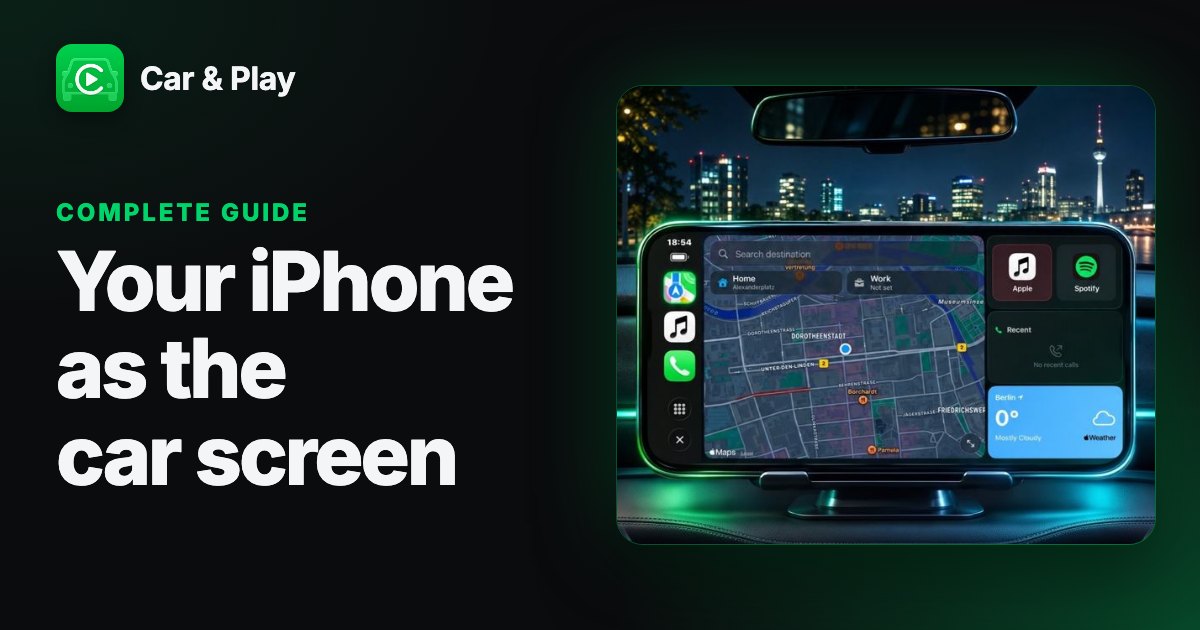
Complete guideHow to Use Your iPhone as a Car Screen (No CarPlay Needed)
No CarPlay in your car? Turn your iPhone into a dashboard with a big map, music and calls. What you need, the free way and the easiest app.
Read guide →Apple MapsHow to Avoid Tolls in Apple Maps on iPhone
Make Apple Maps skip toll roads (and motorways if you like) on your iPhone, for one trip or every trip, and how to switch it back off.
Read guide →Apple MapsHow to Set Your Home Address in Apple Maps on iPhone
Save Home and Work in Apple Maps so directions are one tap away, see your travel time at a glance, and change or remove an address that's wrong.
Read guide →
Your iPhone can be the car screen
Car & Play puts maps, music, calls and radio on one big dashboard, in any car. No account needed.

Free to downloadWorks in any car